
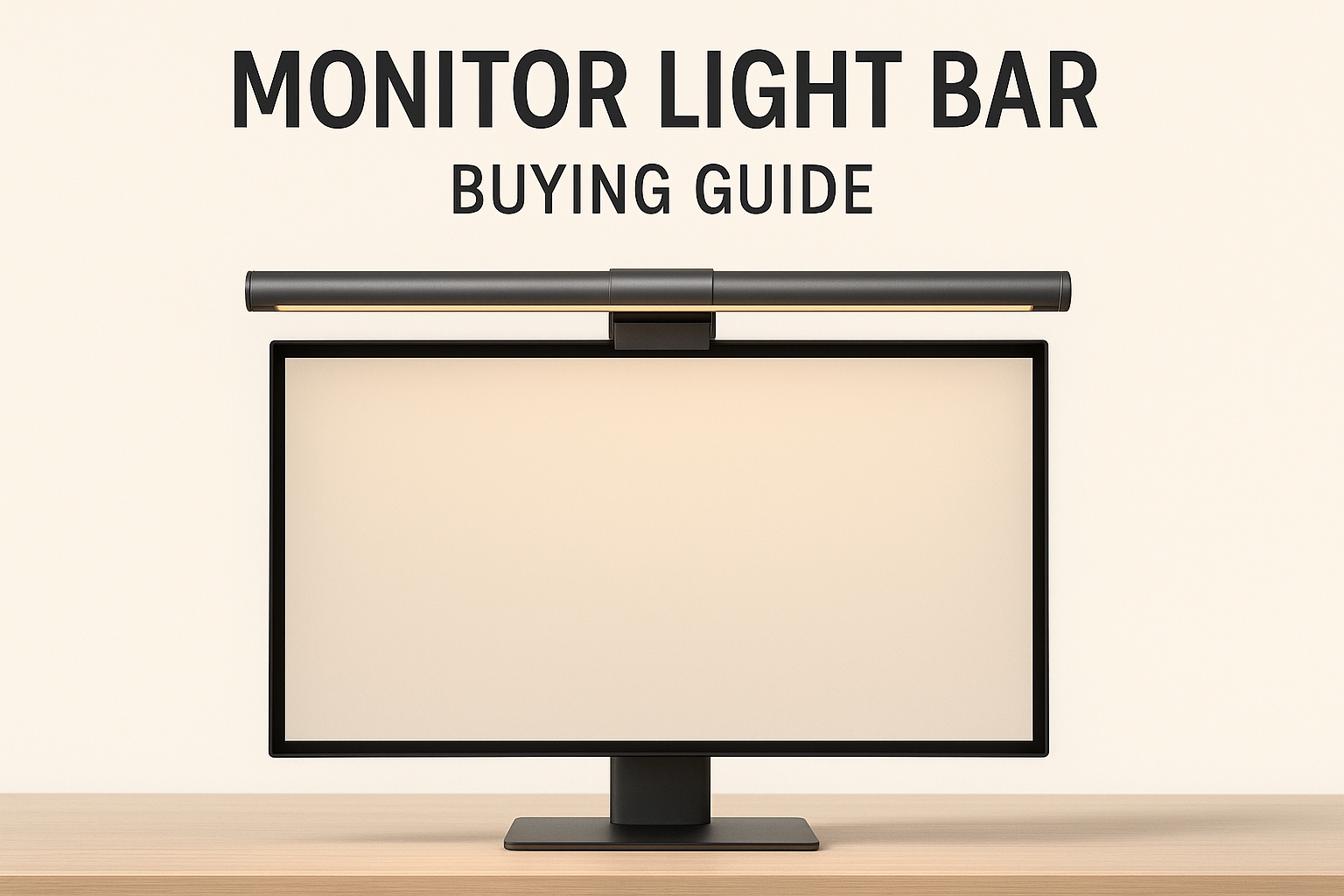
If your desk lighting makes the screen area feel dim, uneven, or cluttered, a monitor light bar is one of the cleanest fixes. The best ones brighten the work surface without throwing glare onto your display and without taking up desk space like a traditional lamp.
This guide covers the best monitor light bars for different budgets and use cases. If you want the fastest answer, start with the quick picks below, then use the comparison table to narrow down the right option for your setup.
Quick Picks
- Best overall: BenQ ScreenBar for the strongest glare control and overall desk-lighting performance
- Best budget: Quntis Monitor Light Bar for the best low-cost entry point that still feels worthwhile
- Best premium: BenQ ScreenBar Halo 2 for readers who want front lighting plus a more comfortable backlight setup
- Best value with remote: Quntis Pro with Remote for readers who want easier brightness control without jumping to BenQ pricing
How We Chose
We prioritized light bars that improve real desk usability, not just raw brightness claims. The main factors were glare control, light spread, control options, monitor compatibility, and whether each pick makes sense at its price.
DeskPicks HQ does not sell placement in these rankings. We refresh commercial guides when products change, disappear, or stop being the right recommendation for the use case they were picked for.
Quick Comparison
| Light Bar | Best For | Key Feature | Price (USD) |
|---|---|---|---|
| BenQ ScreenBar | Best overall | Auto-dimming, zero glare | ~$109 |
| Quntis Monitor Light Bar | Best budget | Great value, no flicker | ~$40 |
| BenQ ScreenBar Halo 2 | Best premium | Wireless control, backlight | ~$199 |
| Quntis Pro with Remote | Best value with remote | Wireless remote, adjustable | ~$50 |
| Xiaomi Mi | Best wireless control | Dial controller, minimal design | ~$68 |
| Budget Monitor Light Bar | Best ultra-budget | Remote + touch, affordable | ~$40 |
1. BenQ ScreenBar — Best Overall

The BenQ ScreenBar is the original monitor light bar and still the best. Its patented asymmetric optical design sends light downward onto your desk while keeping your screen completely glare-free. No other bar matches BenQ’s optics.
It’s USB-powered, so it draws power from your monitor’s USB port — no extra cables or outlets needed. The weighted clip mounts securely on monitors up to about 1 inch thick. Touch controls on the bar itself are intuitive.
What we like:
- Best-in-class asymmetric optics — zero glare
- Auto-dimming ambient light sensor
- Adjustable color temperature (2700K-6500K)
- USB powered — no wall outlet
- Premium build quality
What could be better:
- Premium pricing compared to budget bars
- Doesn’t fit curved monitors well
Bottom line: The gold standard. If you can afford it, buy it. You won’t need another desk light.
2. Quntis Monitor Light Bar — Best Budget

The Quntis delivers about 80% of the BenQ experience at a fraction of the price. The asymmetric design keeps glare off your screen, the stepless dimming gives you precise control, and the build quality punches above its price point.
It won’t auto-dim like the BenQ, and the clip mechanism isn’t quite as refined, but for $40? Outstanding value. This is the monitor light bar for people who want great desk lighting without spending $100+.
What we like:
- Under $40 — best value monitor bar
- Asymmetric design prevents screen glare
- Stepless dimming + 3 color modes
- USB powered
- Fits monitors 0.4″ to 1.2″ thick
What could be better:
- No auto-dimming sensor
- Clip can be finicky on thin bezels
Bottom line: The budget king. If the BenQ is too pricey, start here — you’ll still love it.
3. BenQ ScreenBar Halo 2 — Best Premium

The Halo 2 takes the ScreenBar concept further by adding a rear-facing backlight that illuminates the wall behind your monitor. This “bias lighting” reduces eye strain by lowering the contrast between your bright screen and dark surroundings.
The wireless controller dial is a nice touch — rotate to adjust brightness, press to switch modes. Is it worth $199? If you work 8+ hours in a dimly lit room, absolutely. The backlight makes a noticeable difference in eye comfort during long sessions.
What we like:
- Front + back lighting — reduces eye strain dramatically
- Wireless dial controller
- Auto-dimming sensor
- Premium BenQ build quality
- Immersive ambient lighting effect
What could be better:
- $199 — the most expensive option
- Backlight needs a wall behind the monitor
Bottom line: The ultimate monitor light for serious work-from-home setups. Your eyes will notice the difference immediately.
4. Quntis Pro Monitor Light Bar — Best Value with Remote
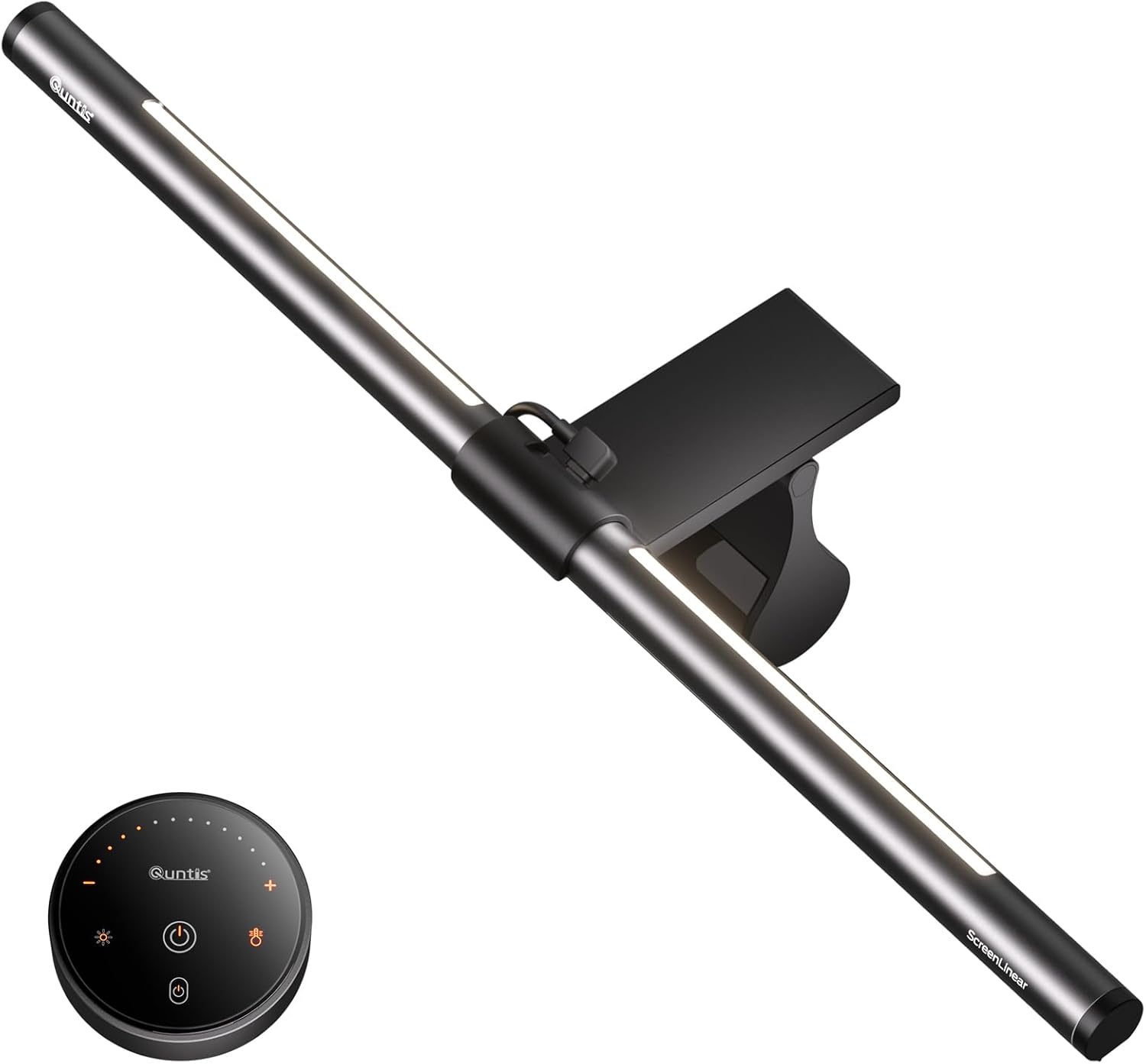
The Quntis Pro adds a wireless remote control to the already-solid Quntis formula. Adjust brightness and color temperature from your desk without reaching up to the bar — a small convenience that makes a big difference when you’re deep in work.
Build quality is on par with the standard Quntis, and the asymmetric design keeps glare off your screen. At $50, it’s the sweet spot between the budget Quntis and the premium BenQ.
What we like:
- Wireless remote control
- Stepless dimming + color temperature adjustment
- Asymmetric optics — no screen glare
- USB powered
- Good build quality for the price
What could be better:
- Remote uses a battery (not rechargeable)
- No auto-dimming sensor
Bottom line: The best mid-range monitor light bar. Remote control at a reasonable price.
5. Xiaomi Mi Monitor Light Bar — Best Wireless Control
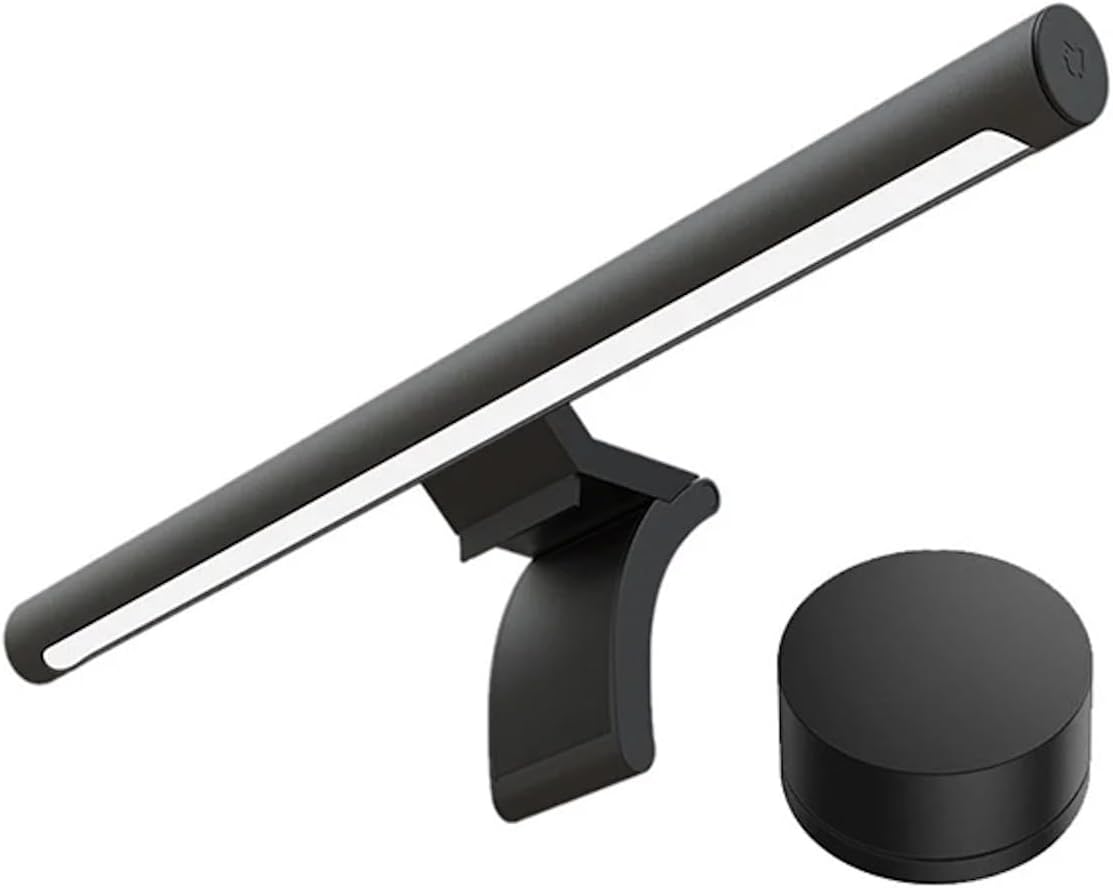
Xiaomi’s take on the monitor light bar comes with a beautiful wireless dial controller — rotate to adjust brightness, press and rotate to change color temperature. It’s the most satisfying control interface of any light bar in this list.
The magnetic mount is clever and secure, and the light quality is excellent with no visible flicker. At $68 it sits between budget and premium, and the build quality justifies the price.
What we like:
- Wireless dial controller — best controls in class
- Magnetic mount — easy install and removal
- Excellent light quality, no flicker
- Minimal, clean design
- USB-C powered
What could be better:
- No auto-dimming sensor
- Less common on Amazon than BenQ/Quntis
Bottom line: The most premium-feeling mid-range option. The dial controller alone is worth the upgrade from Quntis.
6. Budget Monitor Light Bar — Best Under $45

If you want to try a monitor light bar without spending much, this budget option delivers the basics at $40. You get a remote control, touch controls on the bar itself, and adjustable brightness and color temperature.
The build quality and optics aren’t on the level of BenQ or even Quntis, but it works. If you’re not sure whether you’ll like a monitor light bar, this is a low-risk way to find out.
What we like:
- Affordable entry point
- Remote + touch control
- Adjustable brightness and color temperature
- USB powered
What could be better:
- Light bleed onto screen is noticeable
- Build quality is plasticky
- No auto-dimming
Bottom line: The cheapest way to try a monitor light bar. Good enough to know if you want to upgrade later.
Why Use a Monitor Light Bar?
Monitor light bars solve a problem most people don’t realize they have: the contrast between your bright screen and dark desk causes eye strain. A light bar illuminates your workspace without adding glare to your screen — something a regular desk lamp can’t do.
They’re also space-efficient. By mounting on your monitor, they take up zero desk real estate. If your desk is small, this matters.
Can I use a monitor light bar with a laptop?
Not easily — laptop screens are too thin and angled for most clips. If you use a laptop with an external monitor, mount the light bar on the external monitor. For laptop-only setups, a desk lamp is a better choice.
If you are still figuring out the rest of the screen setup, use our Monitors & Displays category archive to see the other DeskPicks HQ monitor-adjacent upgrades worth considering next.
Is the BenQ ScreenBar worth 3x the price of Quntis?
The BenQ has better optics (less light bleed), auto-dimming, and premium build. If you’re sensitive to lighting quality or work in variable ambient light, yes — it’s worth it. If you just want good desk lighting, the Quntis at $40 is excellent value.
Our Verdict
Best overall: BenQ ScreenBar — unmatched optics and auto-dimming. ~$109.
Best budget: Quntis Monitor Light Bar — 80% of BenQ at a fraction of the price. ~$40.
Best premium: BenQ ScreenBar Halo 2 — front + back lighting for maximum comfort. ~$199.
A monitor light bar is one of the best per-dollar upgrades for any home office. Start with the Quntis if you’re on a budget — you can always upgrade to BenQ later.
DeskPicks HQ is reader-supported. When you buy through links on our site, we may earn an affiliate commission at no additional cost to you.